
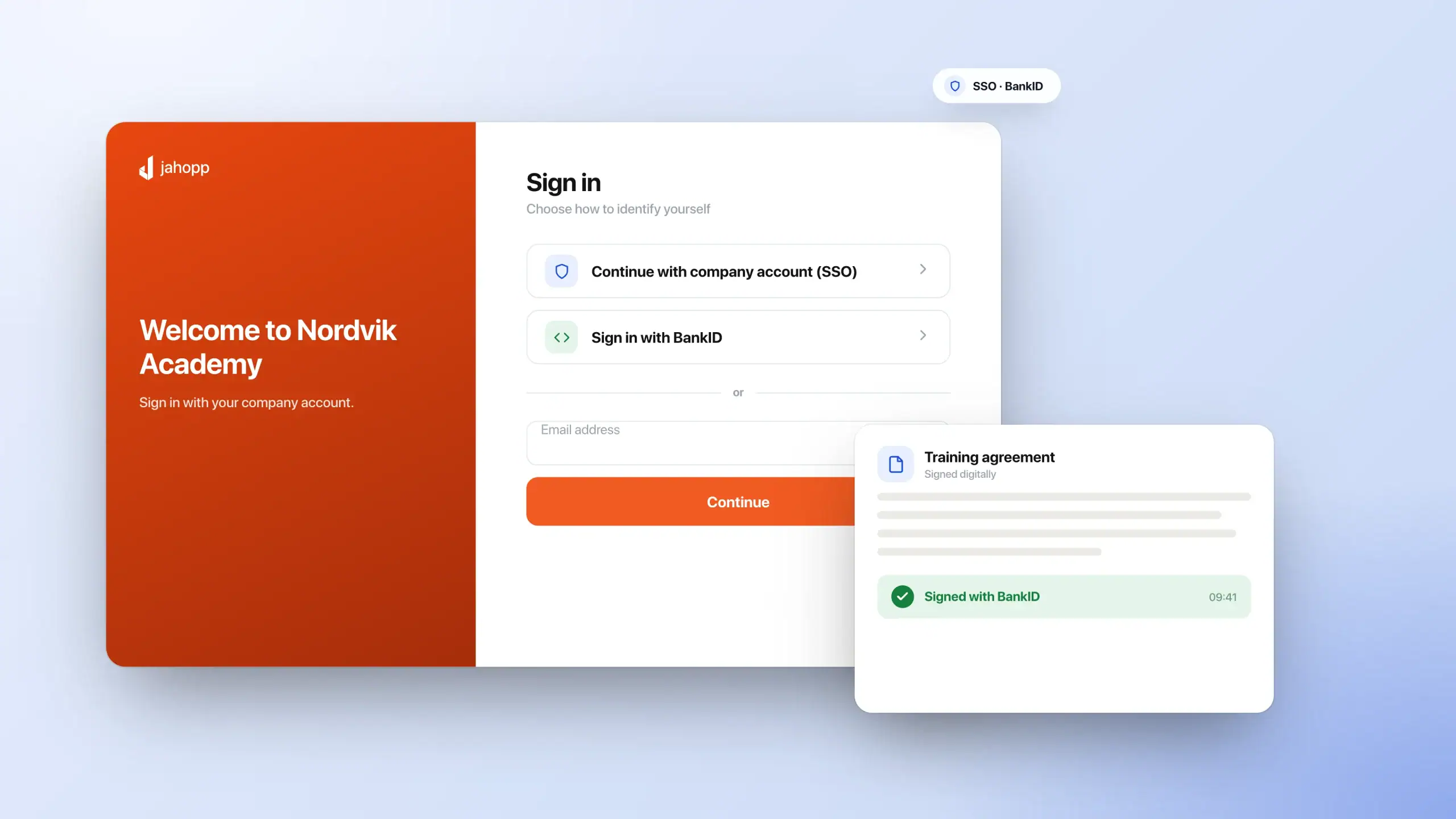
Identity and sign-in
SSO through Microsoft Entra ID (Azure AD) and Microsoft 365, BankID for Swedish identification and signing, and the option to integrate local e-ID services for other markets.
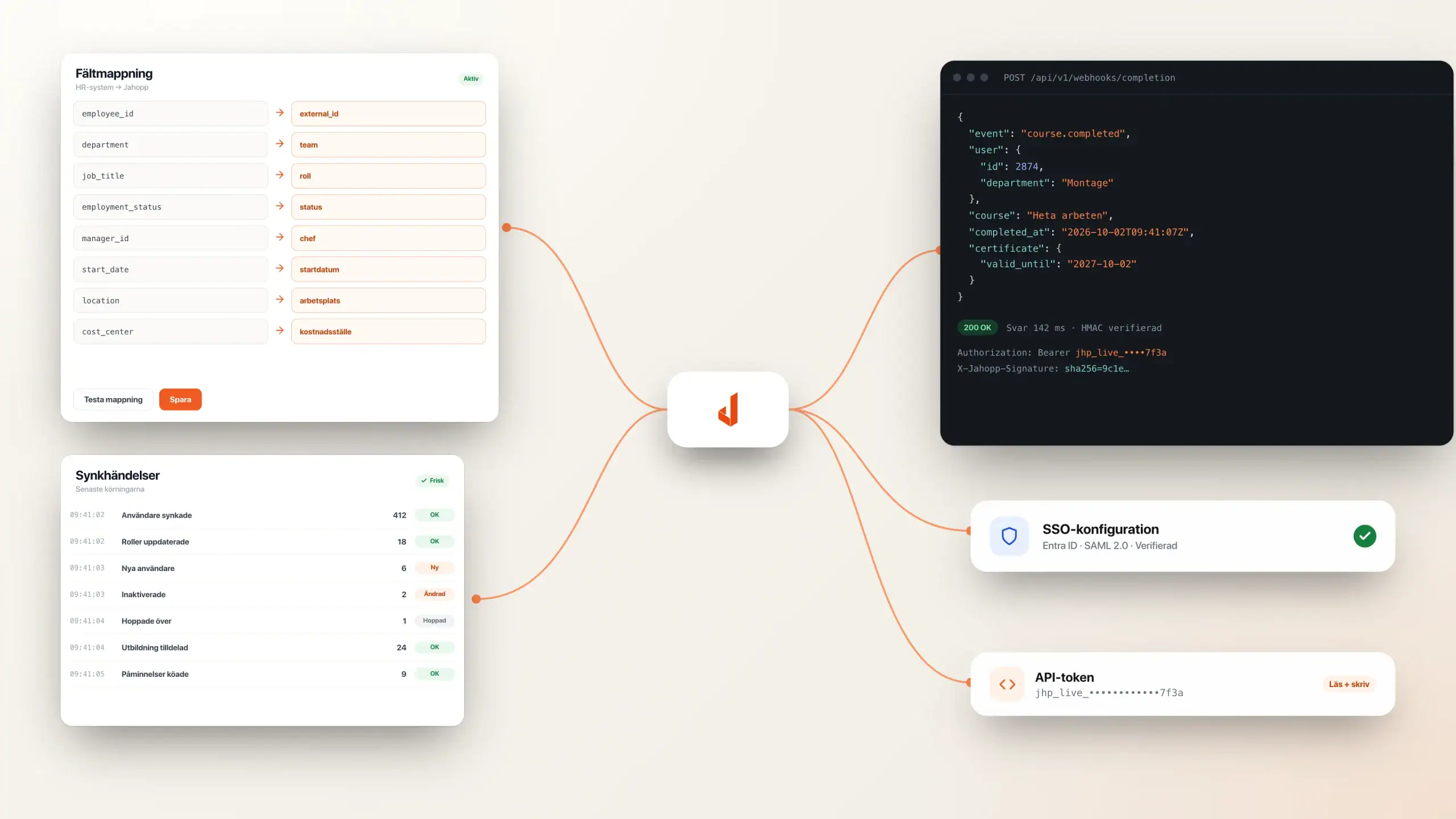
Connect Jahopp to identity, HR, payroll, CRM and industry systems. Bring users, roles and organisational data into a clear workflow and make training data available where it is needed.
Sign-in, people, content and results can connect across your organisation. The areas below are a starting point: Jahopp connects to many systems, with an open API for further integrations.
SSO through Microsoft Entra ID (Azure AD) and Microsoft 365, BankID for Swedish identification and signing, and the option to integrate local e-ID services for other markets.
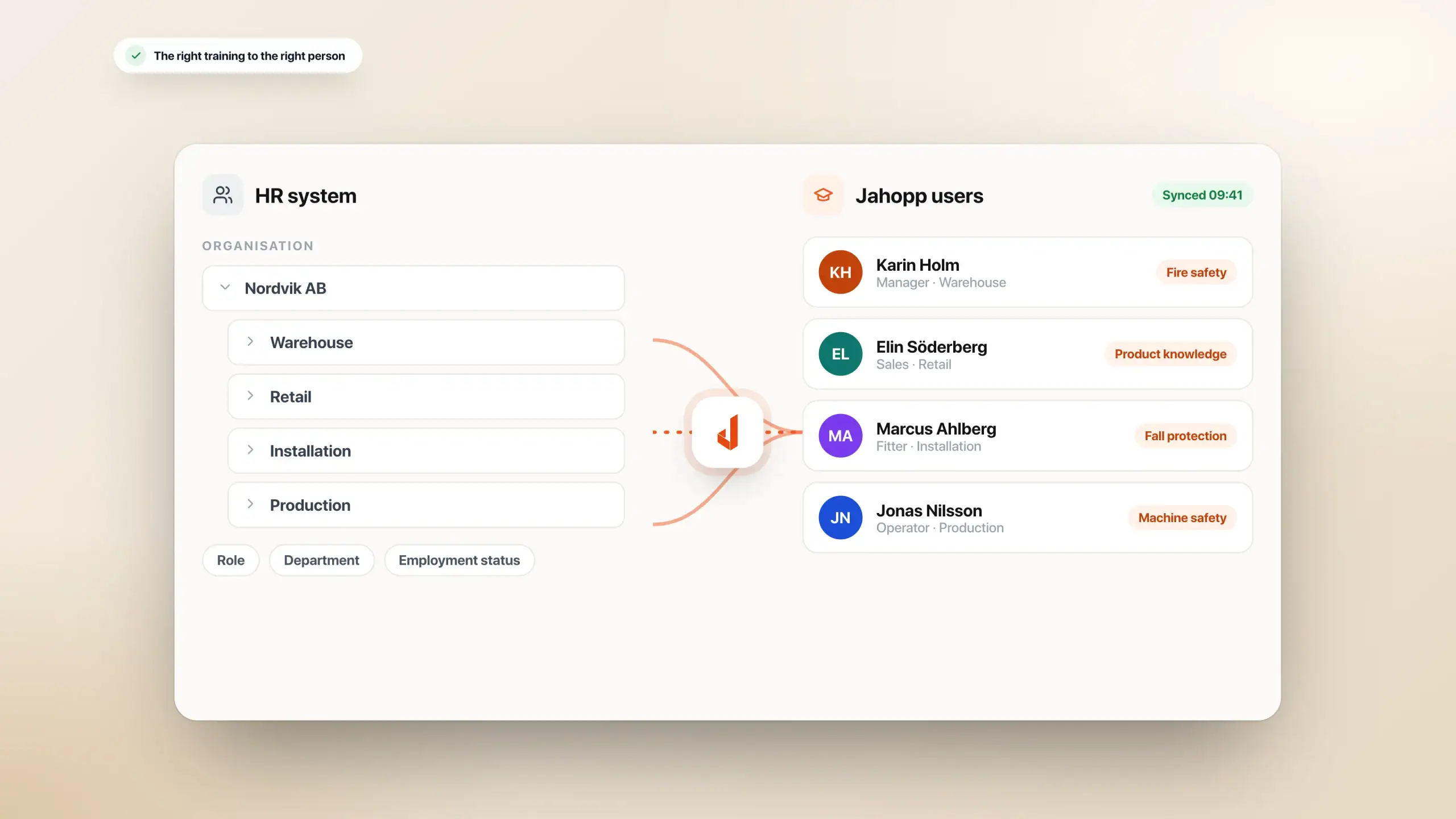
Bring organisation, role, department and employment status from your HR or payroll system so the right training reaches the right person automatically.
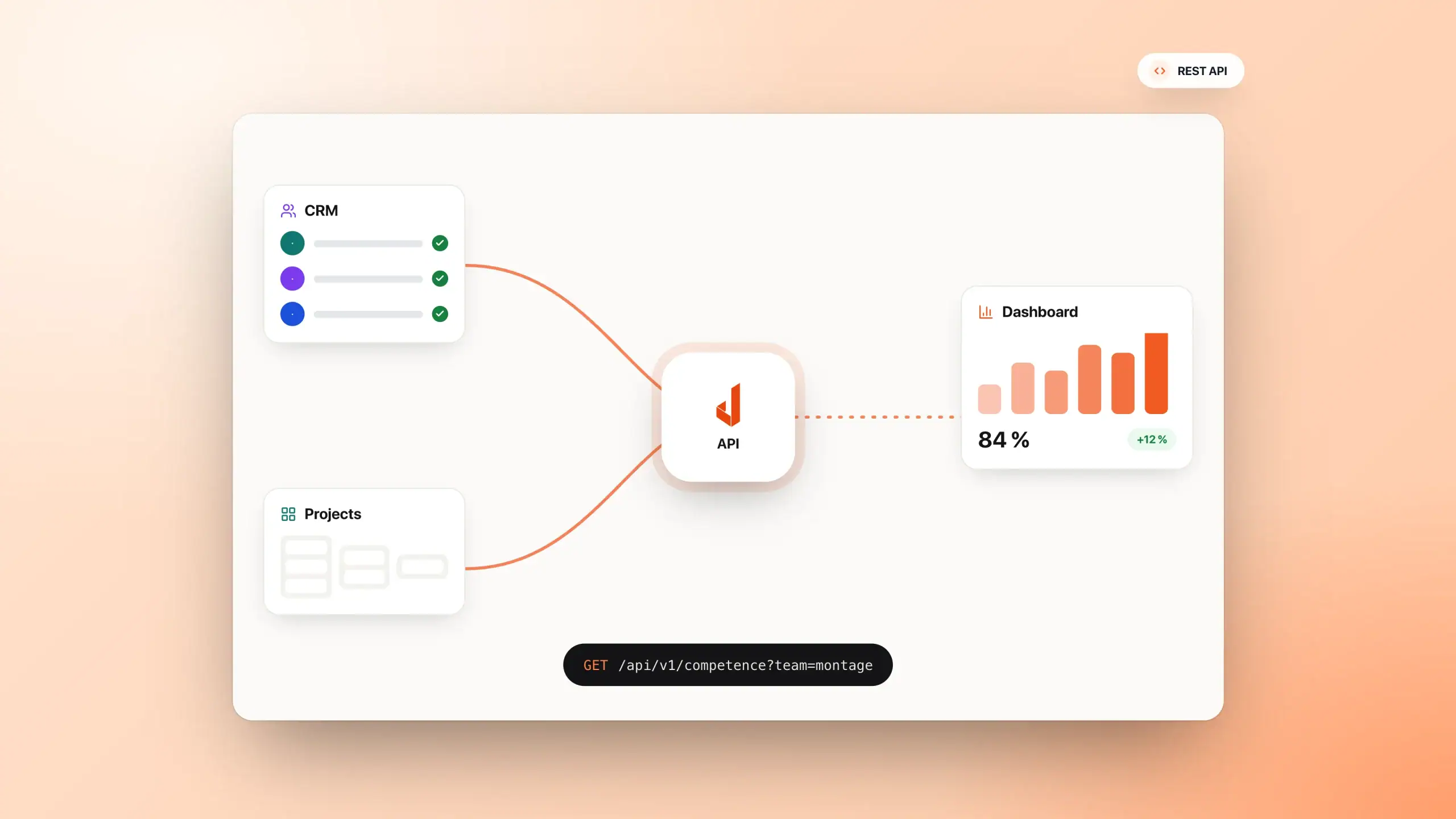
Send training and skills data to CRM, project tools and your own dashboards through the API.
SYSTEM EXAMPLES
Connect the tools you already work in. Examples of systems and services include:
And more. We confirm the relevant connection, data flow and scope for your setup. The open API supports additional systems and your own workflows.
Users, roles and permissions stay up to date automatically when someone joins, changes role or leaves.
Examples include Microsoft Entra ID, Microsoft 365, Visma HR+, Agda and Teamtailor, among others. We plan the data flow around your master system and organisational structure.
Use your HR or identity system as the source for people, roles and organisation. Plan how changes should affect access to learning.
BankID is an existing connection for Swedish sign-in and signing. For organisations working internationally, we can integrate other e-ID services via a suitable identity provider.
The international services are examples of possible integrations. We confirm availability, identification and signing requirements for each country and provider together.
Choose identification around your learners, country and documents. Review provider access and technical requirements together.
Automate training based on customer, business area or project, and keep information synchronised in both directions.
HubSpot, Salesforce, Microsoft Dynamics, Fortnox and Visma, among others. Connect customer training, permissions and follow-up to your business workflows.
Connect access to customer or partner training with your existing processes. Decide which results should return to CRM or business systems.
Synchronise course libraries with tools such as Microsoft SharePoint so every team sees the same content.
Connect SharePoint, existing course libraries, external content providers and your own materials.
Bring together material from existing tools and providers. Plan who maintains the content and how access should work.
We have built integrations with systems used in individual industries and recruitment workflows.
Combine existing connections with your own data flows. Use the open API for your tools and specialist workflows.
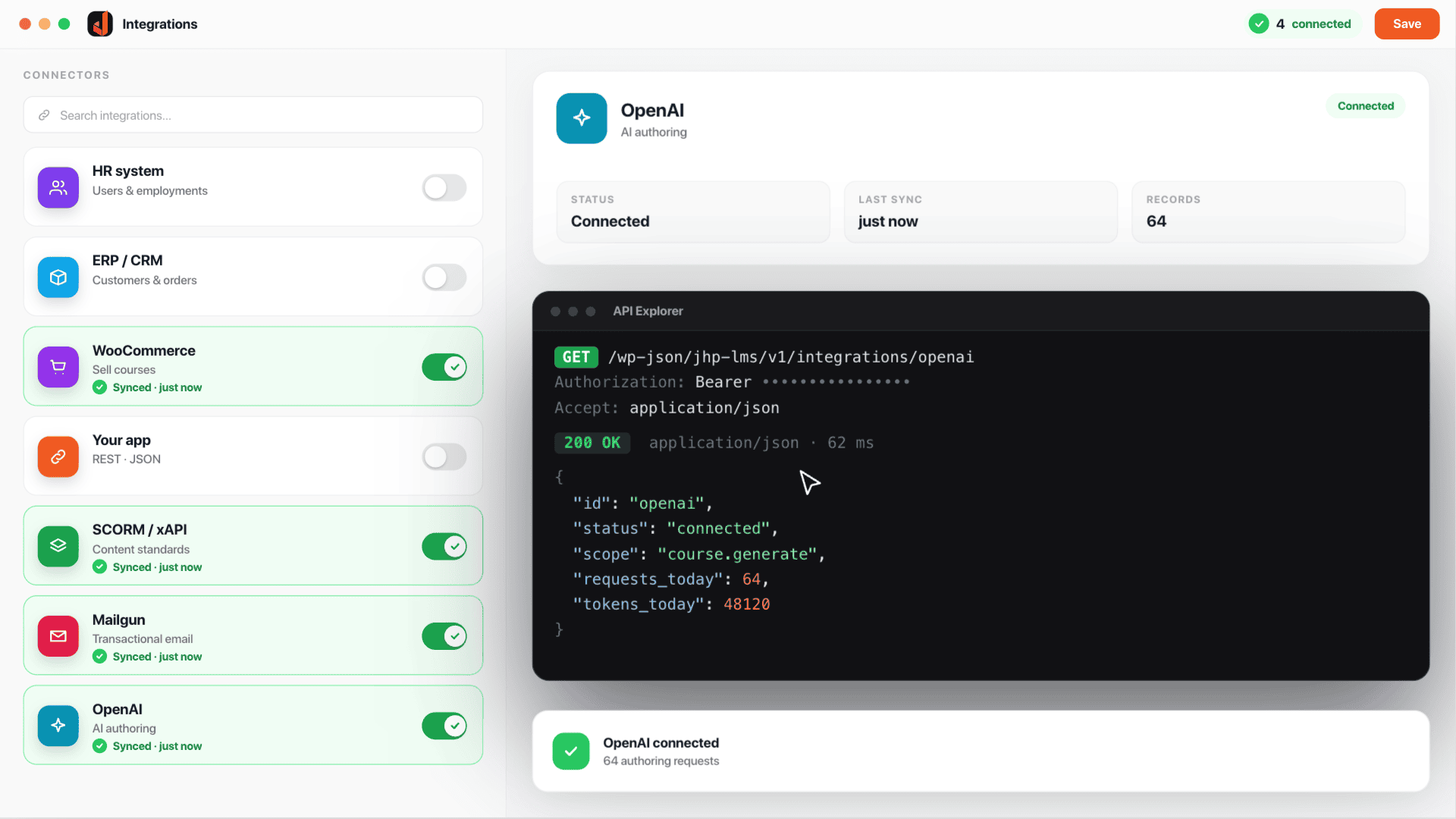
INTEGRATIONS & API
Have your own system or an industry-specific tool? Use Jahopp’s open API for users, courses, learning progress, certificates, classroom sessions and quiz results. We help you plan the connection and access to your installation.
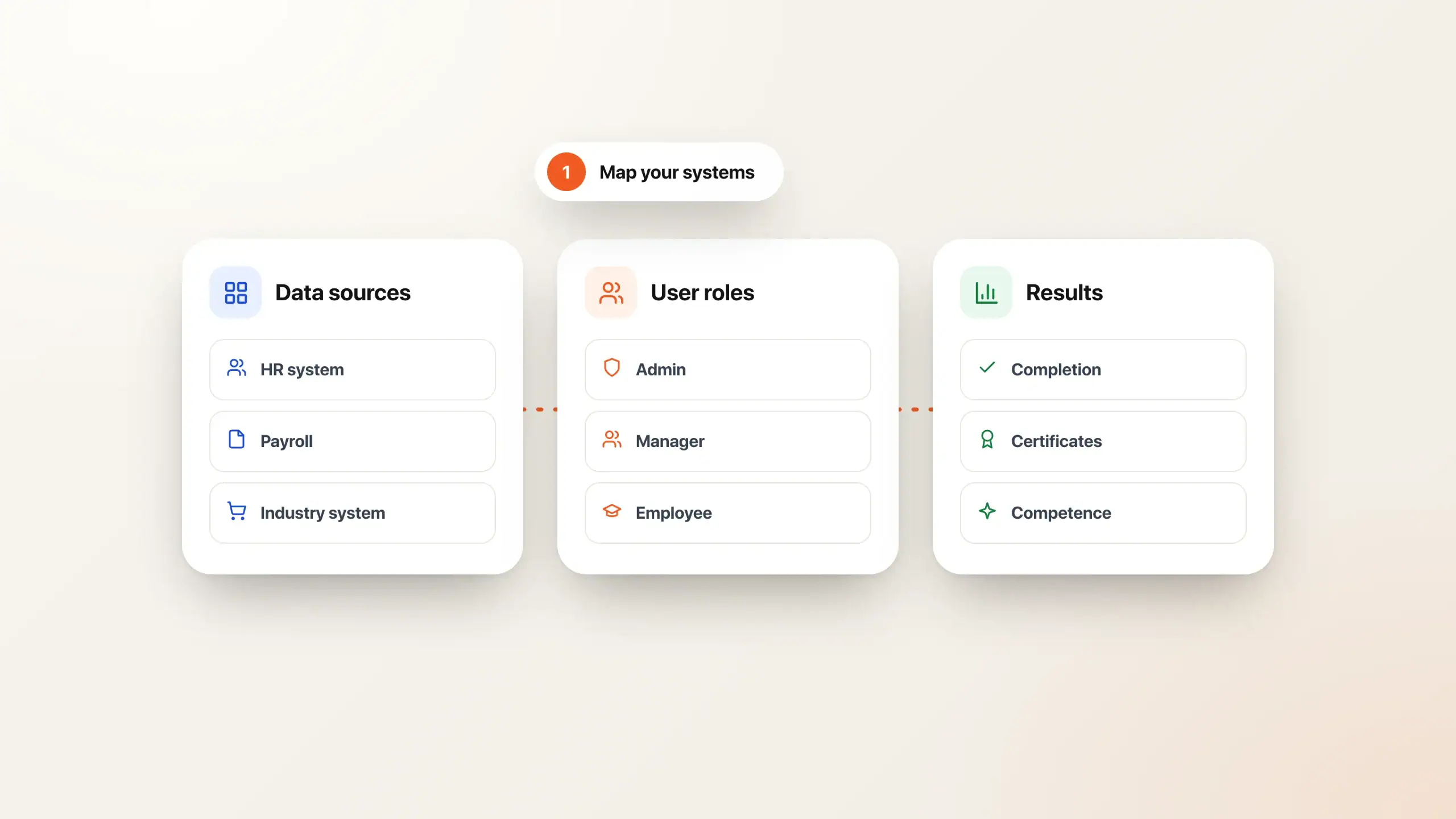
Identify data sources, user roles and the results you need to track.
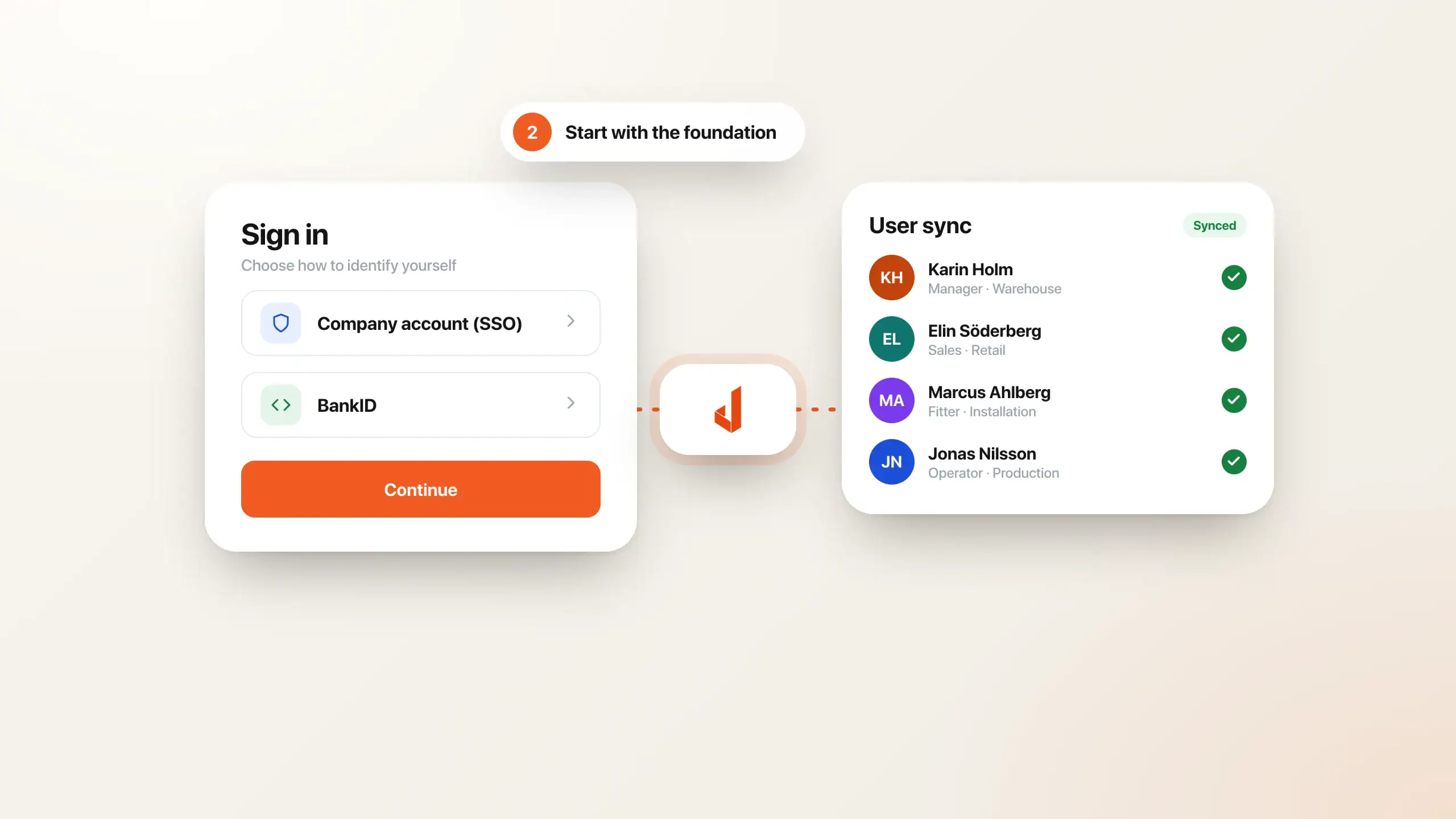
Set up sign-in and user synchronisation where they add the most value.
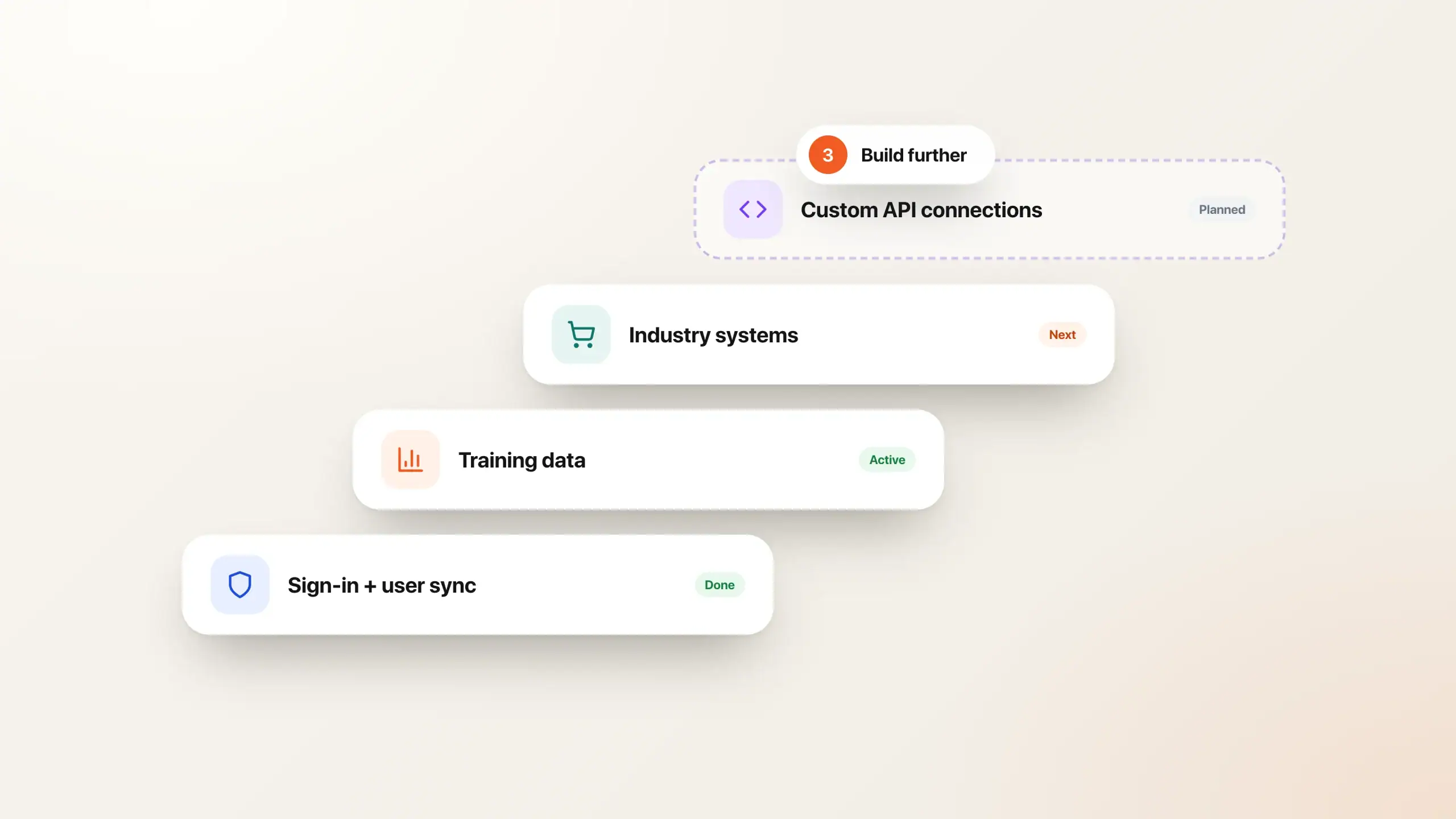
Add training data, industry systems and your own API connections.
Begin with a defined data flow. SSO lets people sign in through an identity provider; it does not by itself create accounts, assign training or synchronise completion. User synchronisation, content imports and result exports need their own rules.
For systems such as Microsoft Entra ID, SharePoint, Visma, Agda, Fortnox, HubSpot, Salesforce, Dynamics, Teamtailor and ID06, we review the exact connection needed. A system appearing in the list does not mean every workflow is a ready-made standard connector. We identify existing support, customer configuration, new development and third-party requirements for your case.
The same applies to e-ID: choose identification and signing around your users and provider requirements. BankID and other local e-ID services must be assessed for the specific workflow.
Use the API documentation to verify available operations, authentication and response fields. Agree on who owns source data, error handling, updates and deactivation before building the integration.
Examples include Microsoft Entra ID, Microsoft 365, SharePoint, Visma, Agda, Fortnox, HubSpot, Salesforce, Dynamics, Teamtailor, ID06 and BankID, among others. Use the open API for additional systems.
Yes. Jahopp has an open API that you or we can use for your own tools, dashboards and industry systems.
Updates in the HR or identity system are reflected in Jahopp, so permissions can be removed automatically.
Yes, we can review an integration for the countries where you operate. Examples include Norwegian BankID, Danish MitID and Smart-ID in the Baltic countries. Provider access and requirements are confirmed as part of the integration.
Tell us about your people, training and systems. We will show you a setup shaped around your needs.